
Co-Working
Yes. A capable MSP can create and maintain a living technology record covering at least 5 critical areas: network topology, vendor ownership, credential access, internet circuits, and room technology. Authorized leaders and technicians can then support, troubleshoot, and recover your coworking environment without relying on one person’s memory.
What technology documentation should a coworking space have?
A coworking operator needs more than a spreadsheet of passwords. Documentation must show how technology works together across member networks, private offices, guest Wi-Fi, conference rooms, access-control systems, cameras, printers, and internet services.
Across Norcross, Peachtree Corners, and the I-85 business corridor, coworking spaces often serve professional-services teams, satellite offices, mobile workers, and day-pass members. A setup that works for a small office can become unreliable when growth, room changes, or new devices are added without a documented plan.
Start with a network diagram that identifies the internet handoff, firewall, switches, wireless access points, VLANs, SSIDs, MDF and IDF locations, and critical cable pathways. It should distinguish member, guest, staff, building-management, camera, and access-control traffic when those systems share infrastructure.
- Network diagrams and equipment records
- Vendor, contract, and escalation details
- Controlled credential-access ownership
- Circuit, telecom-room, and failover records
- Room-by-room technology inventories and runbooks
Segmentation records matter when members include legal, financial, healthcare, or other security-conscious businesses. Even if the workspace is not the regulated entity, prospective tenants may ask how guest access, private-office connectivity, visitor systems, and physical security are managed.
Create an asset register that identifies each device, installation location, serial number, warranty status when available, management platform, support owner, and business purpose. A switch should not simply be called the “front desk switch”; its record should explain what it supports and what fails if it goes offline.
Room technology needs the same discipline. Conference-room AV, displays, conferencing appliances, speakers, touch panels, booking panels, VoIP handsets, and room-specific Wi-Fi should be mapped to each space. That prevents a meeting-room failure from becoming a search for the right vendor, account, cable, app, or power source minutes before a client presentation.
Takeaway: useful documentation explains both what you own and how a disruption affects members, staff, and revenue.
How does an MSP document vendors, passwords, and account ownership safely?
Vendor documentation should answer practical questions immediately. It should identify the provider for every circuit, phone system, camera platform, access-control system, cloud application, copier, cabling service, and building connection, along with account numbers, support channels, contract renewal dates, escalation paths, and service responsibilities.
The objective is to document ownership without storing secrets in open files. Passwords, recovery codes, administrative accounts, and API credentials belong in a controlled password-management system with role-based access, auditability, and a defined access-review process.
Every business-critical account needs a named business owner and at least one approved backup owner. This includes ISP portals, domain registration, Microsoft 365, wireless management, camera systems, door access, VoIP administration, cloud backup, and billing portals. One employee’s personal email address or mobile number cannot be the only recovery path.
Vendor records should clarify boundaries. An ISP may own the circuit through the demarcation point, while the coworking operator owns the firewall, internal switching, Wi-Fi, and member experience. Without that distinction, an outage can become a vendor blame cycle while members wait for connectivity.
Key figure: every business-critical platform should have at least 2 authorized administrative owners.
Physical-security documentation is particularly important in flexible workspaces. Door schedules, badge groups, sensor locations, camera coverage, emergency override procedures, and after-hours escalation contacts require controlled access and clear ownership.
Kawal, a professional-services client, said, “GDS followed up the next day to make sure the door sensor issue is resolved. That kind of attention shows real customer service.” The lesson is operational: documentation must be updated after changes, incidents, moves, and vendor handoffs so it remains dependable when someone needs it most.
Takeaway: passwords belong in governed systems, while ownership, escalation, and recovery information belong in operating documentation.
How should circuits, telecom rooms, and redundancy be documented?
Internet documentation should identify each circuit’s provider, service address, circuit ID, demarcation location, bandwidth, contract term, static-IP information, support number, outage escalation process, and whether it is primary, failover, or dedicated to a specific service. It should also identify the physical and logical path from the carrier handoff to the firewall.
For coworking spaces, “we have two internet circuits” does not prove resilience. If both circuits terminate in the same telecom room, use the same power source, pass through the same conduit, or feed the same firewall, one failure can still interrupt member connectivity.
GDS Technology’s companion content on network redundancy for buildings explains why redundant circuits alone do not eliminate single points of failure in telecom rooms, switch stacks, and cable pathways. That matters when reliable Wi-Fi and conference-room availability are part of the member promise.
The documentation should include an outage runbook. It should state who validates an outage, how staff communicate with members, which systems move to failover, how to contact the provider, where to find circuit identifiers, and how to record the incident for follow-up.
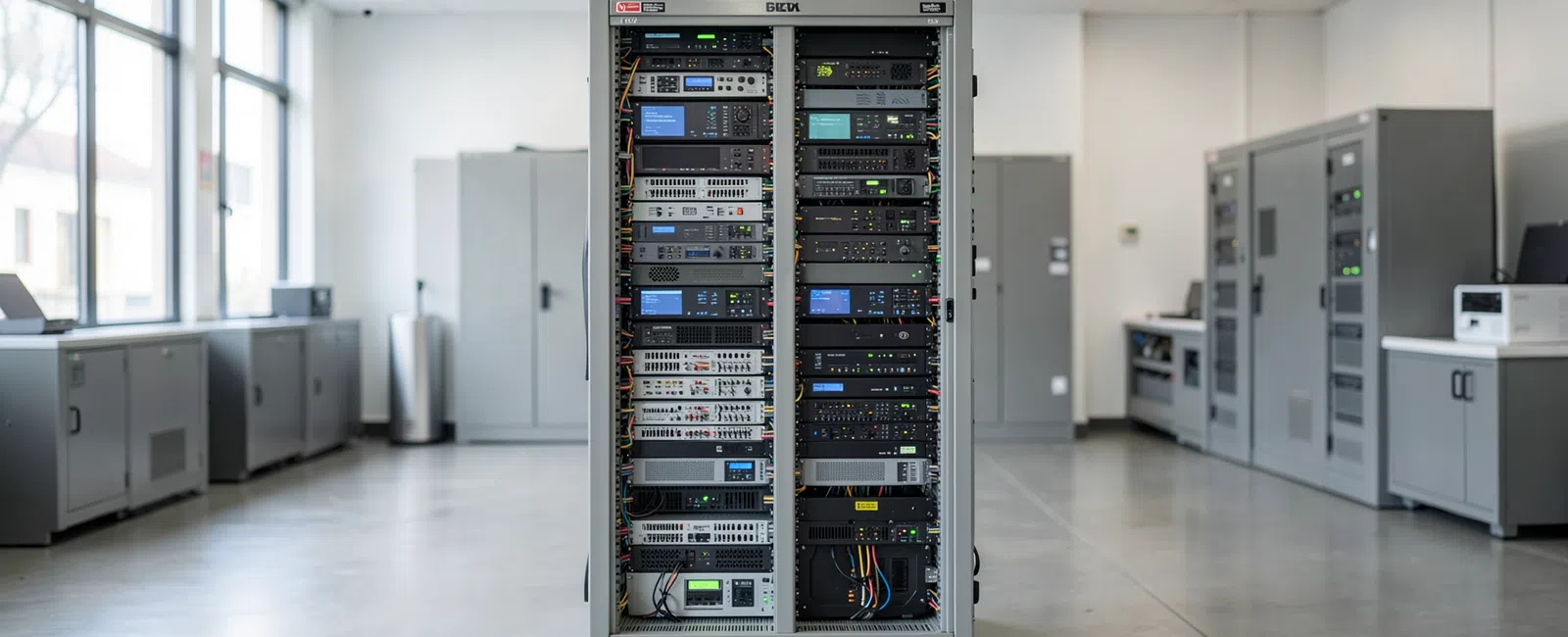
Telecom-room records should cover rack elevations, labeled patch panels, switch ports, UPS units, power sources, cooling considerations, carrier equipment, spare capacity, and access procedures. This creates a troubleshooting baseline and makes future tenant improvements less disruptive.
Before expanding into another suite or adding cameras, doors, AV, or automation, review available pathways, power, cooling, maintenance access, and documentation. GDS Technology’s Expansion Room Test for Building Technology provides a practical framework for evaluating that capacity before installation begins.
For support with connected infrastructure, explore GDS Technology’s structured cabling and low-voltage services. The physical layer is part of the technology record, not an afterthought.
Takeaway: circuit records must document the actual failure path, not merely the names of two providers.
Who maintains the documentation after the initial cleanup?
Documentation loses value when treated as a one-time project. A dependable MSP relationship assigns responsibility for keeping records current as devices are replaced, vendors change, private offices open, ISP circuits are upgraded, or meeting rooms are reconfigured.
Initial work begins with discovery: reviewing network equipment, cloud tenants, vendor contracts, room systems, access-control platforms, cabling, support tickets, and available credentials. Gaps should be visible rather than silently assumed. If a device or account cannot be identified, it should be listed for owner review.
The MSP should then normalize findings into a manageable documentation structure. That can include network diagrams, vendor records, asset registers, credential-access controls, room-by-room technology records, circuit details, recovery procedures, and a change log. Access should be limited by job role and business need.
Ongoing maintenance works when documentation updates are part of normal operational work. A firewall replacement should update the network diagram. A new door reader should update access-control records. An internet upgrade should update circuit details and failover procedures. A new tenant conference room should update the room inventory and support process.
Periodic reviews should focus on practical readiness. Can an authorized person locate the right vendor, identify the affected switch, recover administrator access, explain network boundaries to an enterprise prospect, and respond during an after-hours circuit outage?
For a coworking operator, this reduces dependence on a founder, office manager, facilities contact, or single trusted technician. It creates a more professional operating model as locations, memberships, staff, and technology requirements change.
GDS Technology provides managed IT services, cybersecurity services, and support for the connected systems that shape a coworking member’s daily experience. Documentation should connect digital operations with the physical environment.
Takeaway: documentation remains dependable only when change management makes updates part of normal support work.
What business risks does documentation reduce for a coworking operator?
Single-person dependency creates operational risk long before someone leaves. It appears when only one person knows how to reset a conference-room system, access the ISP portal, approve a door credential, find a wireless controller, or explain why one private office has different connectivity from another.
Reliable documentation shortens the time needed to identify responsibility during an incident. It helps an MSP determine whether the problem is a circuit, firewall, Wi-Fi configuration, switch, cable run, cloud account, endpoint, AV device, or vendor-managed platform. Faster triage protects staff time and helps preserve member confidence.
It also improves business continuity. When a key employee is unavailable, an authorized leader can access the right runbook, vendor contact, account owner, and recovery process. When an office is reconfigured, the team can make informed decisions instead of tracing unlabeled cables and guessing which equipment supports active members.
Documentation can strengthen sales and retention conversations. Enterprise-minded prospects may ask about network segregation, guest Wi-Fi, building access, camera governance, connectivity resilience, and support ownership. Clear answers demonstrate that the space is operated deliberately rather than informally.
In Norcross, Peachtree Corners, and surrounding Gwinnett County business communities, building coordination is often part of the answer. Riser access, landlord relationships, suite changes, after-hours access, provider availability, and telecom-room constraints can affect service delivered to every member.
Documented technology also supports better recovery planning. Records should identify priority restoration services, emergency vendor-work approvers, required equipment, and communication steps for affected tenants. Pairing this discipline with disaster recovery planning creates a clearer path through disruptive events.
Takeaway: good documentation turns institutional knowledge into a controlled business asset rather than a personal memory.
Frequently Asked Questions
Can an MSP document our network, vendors, passwords, circuits, and room technology so we’re not dependent on one person?
Yes. An MSP can build a controlled documentation system that maps your network, vendors, circuits, room technology, assets, account ownership, and recovery procedures. Credentials should be kept in role-based secure storage, while diagrams and runbooks give authorized staff the context needed to support operations without a single-person bottleneck.
Should coworking spaces keep passwords in a spreadsheet?
No. Spreadsheets are difficult to secure, audit, revoke, and maintain when people change roles. A coworking space should use a controlled password-management platform with role-based access, shared administrative ownership, and documented recovery procedures. The operating documentation can reference the secure vault without exposing passwords in diagrams, tickets, or open files.
What should be included in a coworking network diagram?
A coworking network diagram should show internet circuits, provider handoffs, firewall, switches, wireless access points, VLANs, SSIDs, telecom rooms, racks, patch panels, and major cable paths. It should distinguish staff, member, guest, camera, access-control, and conference-room systems where relevant, so teams can understand both connectivity and business impact.
How often should MSP documentation be updated?
Documentation should be updated whenever technology, ownership, configuration, rooms, vendors, circuits, or access arrangements change. It should also be reviewed on a recurring operational schedule. The most important standard is practical accuracy: authorized staff must be able to use the records confidently during an outage, onboarding event, expansion, or recovery situation.


