
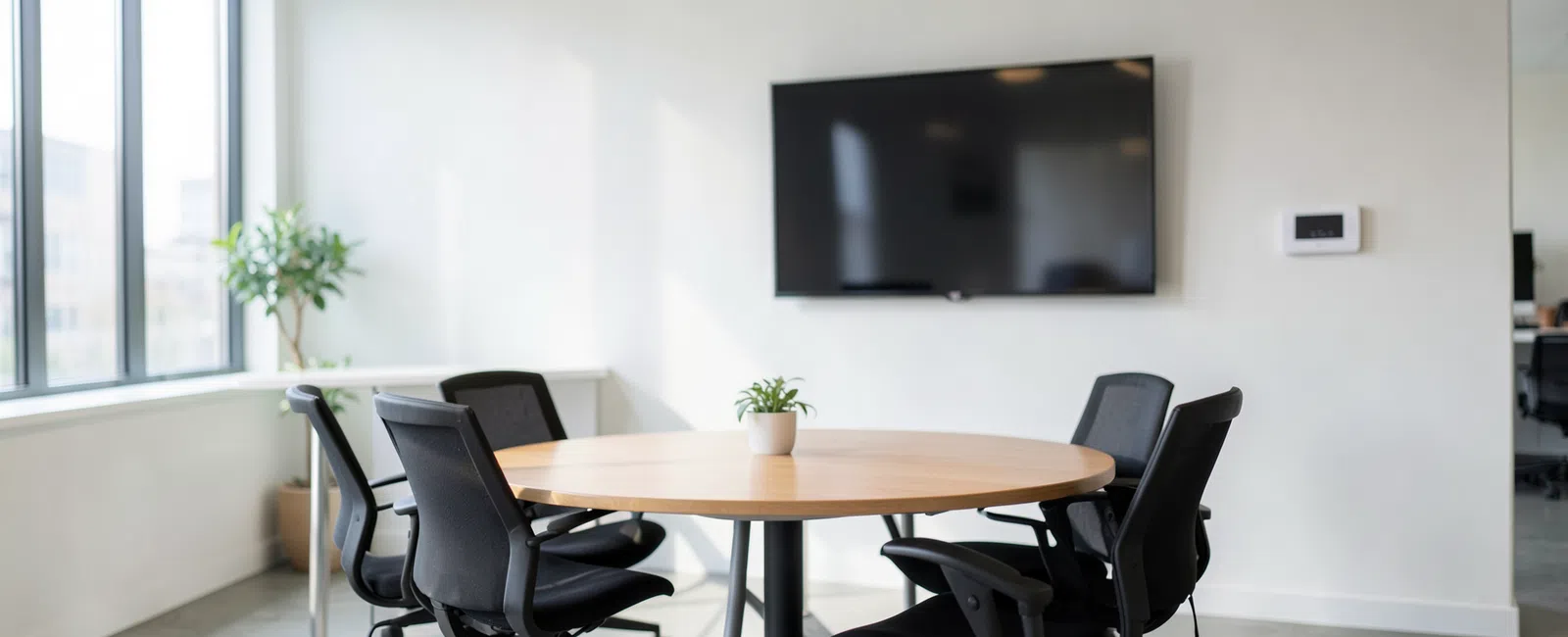
Set up conference rooms with one standard hardware stack, a simple 3-step join process, clear in-room instructions, and segmented network access. For coworking spaces in Norcross, the goal is a room members can start in under 2 minutes and your team can support without rebuilding the setup each time something fails.
What makes a conference room easy for members to use?
Members do not care about a room’s spec sheet. They care whether a meeting starts on time, remote participants can hear clearly, and screen sharing works without calling the front desk. A usable room feels familiar the first time someone walks in.
The simplest rooms remove choices. Use one display, one primary join method, one camera approach, and one predictable way to present across every room. If one room works differently from the next, users hesitate, staff gets interrupted, and meeting time gets wasted.
Put short instructions in the room, not in a PDF no one will open. A small sign near the table should explain how to join, how to share, and how to get help in plain language. The room should teach itself in less than a minute.
Coworking adds more variability than a private office. Day-pass users, visiting clients, attorneys, brokers, healthcare consultants, and distributed teams may all use the same room in a week. Simplicity is not a convenience feature. It is part of the member experience you are selling.
Takeaway: If a first-time user needs a walkthrough, the room is too complicated.
What should we standardize in every conference room?
Start with a repeatable room kit instead of treating each room as a custom project. Standardize the meeting platform strategy, display sizing by room type, camera family, microphone approach, control method, and cabling standard. That cuts training time and reduces spare-parts chaos.
Most coworking operators do better with room tiers than with one-off designs. A huddle room and a larger boardroom do not need identical hardware, but they should follow the same user logic. Walk in, join, present should feel the same everywhere.
Physical design matters as much as device choice. Camera height, microphone placement, glare control, speaker positioning, and furniture layout affect every call. Good hardware still performs badly in a room with echo, poor lighting, or sight lines that force people off camera.
Key figure: Standardize on a 3-step room experience: walk in, join, present.
Use a documented room standard that covers at least these items:
- One approved display size range for each room type
- One approved camera and microphone family
- One labeled wired presentation path
- One approved wireless sharing method
- One in-room instruction format
- One spare-parts kit for cables, adapters, and batteries
Do not leave dongles, remotes, and cables unmanaged. Secure what must stay in the room, label what users can touch, and store spares in a controlled location. Missing adapters and dead batteries create avoidable tickets that have nothing to do with the actual meeting platform.
For Norcross coworking spaces with frequent suite changes or tenant buildouts, low-voltage discipline matters. Labeled drops, clean terminations, documented pathways, and organized handoffs make it far easier to repurpose rooms without starting over. That protects both uptime and future project cost.
Takeaway: Standard room kits lower downtime, reduce confusion, and make replacement work faster.
How should we handle network security and access in a shared conference room?
Conference rooms in coworking spaces sit inside a shared environment, so convenience cannot come at the expense of control. Room technology should not live on the same flat network as unmanaged guest devices, back-office systems, and core business tools.
A practical design usually separates conference-room AV devices, internal operations systems, and guest or member internet access with VLANs or equivalent segmentation. That makes support cleaner and limits the blast radius if a device is misconfigured, outdated, or exposed to risky traffic.
Wireless design should match real usage patterns. If your space supports hot desks, private offices, conference bookings, and short-term visitors, the SSID plan, guest onboarding flow, and bandwidth rules should reflect that. A crowded guest network should not degrade scheduled video meetings in booked rooms.
Security also extends to device administration. Cameras, touch panels, displays, and room PCs should have controlled admin access, documented settings, and a firmware maintenance plan. Conference rooms are often overlooked endpoints, but they still need governance because they sit in front of your members and their clients.
In Norcross and along the I-85 business corridor, coworking operators may serve legal, financial, healthcare, and commercial real estate tenants with higher expectations around privacy, professionalism, and operational discipline. Even when the operator is not the regulated party, visible controls help build trust during tours, renewals, and enterprise prospect reviews.
Conference rooms also connect to the broader site security model. Badge access, visitor handling, and camera coverage affect how shared spaces are used and investigated when issues arise. Related services such as cybersecurity services should align with the room design instead of being treated as a separate project.
Takeaway: Shared rooms should be simple for members and tightly governed behind the scenes.
What support model keeps conference rooms working without constant staff intervention?
The best support model is proactive, standardized, and documented. Do not wait for members to report a dead camera, broken cable, expired login, muted microphone, or disconnected display. Conference rooms should be treated like production infrastructure, not office furniture.
Every room needs a support record. Document the device list, asset ownership, network assignment, cabling map, known-good configuration, warranty notes, and replacement standard. When a technician enters the room, they should know what belongs there before they start troubleshooting.
Standardization also shortens the repair path. If every room uses the same device family and the same signal logic, help desk staff can resolve more problems remotely or arrive on site with the right part the first time. That reduces disruption for members and wasted dispatch time for your team.
Use a recurring operational checklist for the rooms that drive bookings and revenue. That check should confirm display health, camera response, microphone pickup, controller status, wireless presentation, calendar integration, and cable condition. Small failures are easier to fix before the next reservation starts.
Internet resiliency belongs in the conversation as well. Conference rooms may support client pitches, interviews, remote board meetings, legal consultations, and telehealth-adjacent conversations. If the room experience depends on one circuit and no fallback plan, the risk is business-wide, not just technical.
Support works better when the room is tied into the rest of the environment. Services such as IT help desk and managed IT services matter because many room failures trace back to Wi-Fi, switching, cabling, ISP coordination, endpoint policy, or cloud account issues rather than to the display on the wall.
Takeaway: Room support improves when the infrastructure behind the room is managed with the same discipline.
How should Norcross coworking operators plan for growth and room changes?
Coworking spaces rarely stay static. Offices become meeting rooms, meeting rooms get resized, and tenant expectations shift as the membership mix changes. If your conference-room design depends on one-off installs, every layout change becomes a new support problem and a new cost center.
Plan for moves, adds, and changes from the start. Use labeled cabling, documented pathways, standard hardware profiles, and repeatable installation methods so a room can be upgraded or repurposed without redesigning the whole system. That approach saves time during expansions and reduces avoidable downtime.
Local building realities matter in Norcross. Landlord approvals, riser access, after-hours scheduling, suite turnover, and vendor coordination can all affect project timing. A room design that looks simple on paper becomes expensive fast if every change requires tracing unlabeled cabling or reopening past installation decisions.
Think about the room as part of the tenant experience, not a standalone AV box. Booking reliability, visitor flow, presentation ease, call quality, and visible support readiness all shape whether members see the workspace as professionally run. One failed client meeting can damage confidence far beyond that single reservation.
Growth planning also needs ownership. Decide who handles updates, spare inventory, ISP escalation, platform changes, room audits, and vendor coordination. If ownership is vague, room quality drifts. For operators with heavier tenant demands, broader support models such as commercial real estate technology support help connect room operations to the larger building and tenant technology picture.
Takeaway: Build conference rooms as a scalable service model, not as isolated installs.
Frequently asked questions
Should every conference room use the same hardware and meeting workflow?
Yes. In most coworking environments, consistency is the safer choice because it reduces member confusion and shortens troubleshooting. Rooms can scale by size and capacity, but the join process, presentation path, and basic user experience should stay familiar so staff do not have to retrain people room by room.
Do coworking conference rooms need their own network segmentation?
Yes. Conference-room devices should be separated from guest traffic, member devices, and internal business systems whenever practical. Segmentation improves security, limits lateral risk, and makes troubleshooting cleaner. In multi-tenant spaces, it also helps operators demonstrate a more disciplined environment to security-conscious prospects and existing members.
What is the biggest cause of conference-room support tickets in shared offices?
The biggest cause is usually inconsistency, not lack of technology. Different room setups, missing adapters, unclear instructions, unmanaged firmware, and poor cable control create repeat confusion. Ticket volume usually drops when operators standardize the room kit, document the setup, and maintain the environment behind the room proactively.
How should Norcross coworking operators plan conference rooms during expansions or reconfigurations?
Plan around repeatable infrastructure instead of custom one-offs. In Norcross, expansion work can be affected by riser access, landlord coordination, suite changes, and after-hours building constraints. Labeled cabling, documented room standards, and clear ownership make future buildouts faster, easier to support, and less disruptive to members.


