
Imagine you're three hours into a five-hour holiday drive to visit loved ones. Suddenly, your daughter asks, "Can I play Roblox on your laptop?" Your work laptop—the one containing sensitive client files, financial records, and full access to your business. You're already drained from packing and facing three more hours on the road. Keeping her entertained sounds tempting. But is it safe?
Holiday travel introduces unique security risks you don't usually face. Distractions, fatigue, unfamiliar networks, and juggling family time with quick work check-ins can put your data in jeopardy. Whether your trip is business, pleasure, or a mix of both, here's how to safeguard your information without spoiling the holiday spirit.
Pre-Trip Essentials: 15 Minutes That Make a Difference
Spend just 15 minutes prepping before you hit the road to enhance your security:
Device fundamentals:
- Update your devices with the latest security patches
- Back up vital files to a secure cloud service
- Set screen auto-lock to activate within two minutes
- Enable "Find My Device" on all phones and laptops
- Charge portable power banks fully
- Bring your own charging cables and adapters
Family briefing:
- Clarify which gadgets kids can safely use
- Provide a shared tablet or secondary device for entertainment
- Set up a restricted user account on work laptops if kids must use them
Pro tip: If children need screen time during travel, offer a tablet unlinked to your work accounts. Investing in a $150 iPad now beats dealing with a costly data breach later.
Hotel WiFi: Avoid the Most Common Mistakes
After checking into the hotel, the family rushes to connect every device to the WiFi—phones, tablets, laptops, gaming consoles. Your teenager streams Netflix, your spouse checks emails, and you try to finalize a work proposal before tomorrow's meeting.
The issue: Hotel WiFi networks are shared with hundreds of guests, some with malicious intent.
True story: A family connected to what appeared to be their hotel's WiFi was actually lured by a fake network set up nearby. Over two days, hackers captured everything they did online—passwords, credit card info, emails.
How to protect yourself:
Confirm the network name by asking the hotel front desk directly—never guess.
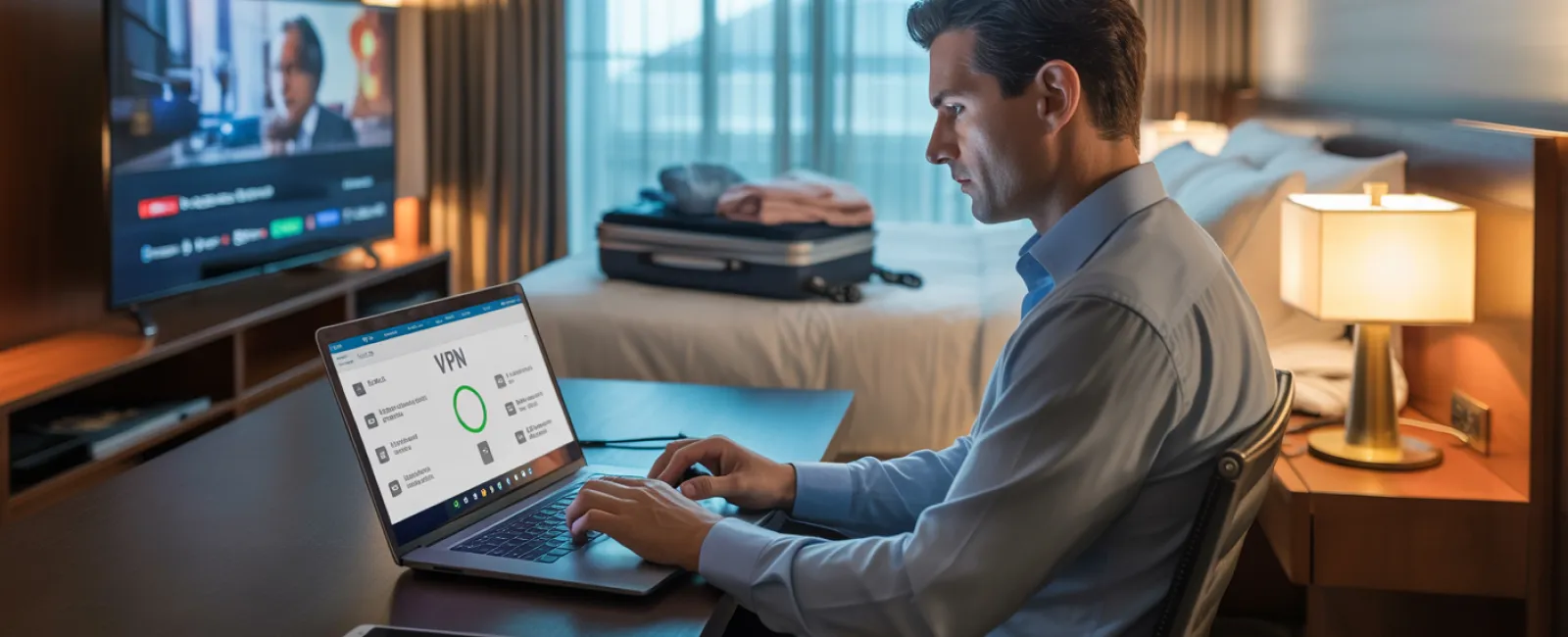
Use a VPN when accessing work to encrypt your data.
For sensitive tasks, switch to your phone's hotspot instead of using hotel WiFi.
Separate work and leisure: Let kids stream freely on hotel WiFi, but handle client data only through your secure hotspot.
Should Kids Use Your Work Laptop? Here's Why You Should Say No
Your work laptop holds everything—a gateway to emails, banking, client files, and business systems. Meanwhile, your kids want to watch videos, play games, or video chat.
Why it's risky: Kids might unintentionally download malware, click on harmful pop-ups, share passwords, or forget to log out—all innocent mistakes but serious security threats on work devices.
Best practice:
Politely decline laptop sharing: "This is my work laptop, but you can use [other device]." Be firm and consistent.
If sharing is unavoidable:
- Create a separate, restricted user account
- Supervise their activities
- Prevent any downloads
- Avoid saving passwords on the device
- Clear browser history after use
Smarter alternative: Travel with a dedicated family device, such as an older tablet or laptop, completely independent of your work accounts.
Streaming on Hotel TVs: Don't Forget to Log Out
Your family wants to enjoy Netflix on the hotel smart TV. Someone logs into your account, but on checkout day, you forget to sign out.
The risk: The next guest gains access to your Netflix account—and potentially more if you reuse passwords (which, of course, you don't!).
How to avoid this:
- Cast content from your own device instead of logging in on the TV
- If you must log in on the TV, set a phone reminder to log out before checkout
- Better yet: Download shows onto your devices before traveling and skip hotel TVs entirely
Never log into these on hotel TVs:
- Banking apps
- Work-related accounts
- Email
- Social media
- Any account with saved payment details
Lost Device? Act Fast to Minimize Damage
Travel can be chaotic, and devices often get lost in transit—in airports, hotels, rental cars, or restaurants. If your device disappears…
Within the first hour:
- Use "Find My Device" to locate it immediately
- If recovery isn't possible, remotely lock the device
- Change passwords for critical accounts from a different device
- Contact your IT support or managed service provider to revoke system access
- If sensitive business data was stored, notify affected clients promptly
Make sure your device has these BEFORE you travel:
- Remote tracking enabled
- Strong password protection
- Automatic data encryption
- Remote wipe capability
If a family member loses their device: Follow the same steps: lock remotely, change passwords, and try to locate it.
Rental Car Bluetooth: Protect Your Data
Connecting your phone to a rental car's Bluetooth for music or navigation might seem convenient, but the car often saves your contacts, recent calls, and message previews.
When you return your rental, this information usually remains accessible to the next driver.
Quick 30-second steps before returning the car:
- Remove your phone from the car's Bluetooth list
- Clear recent GPS destinations
- Or avoid connecting altogether by using an aux cable
Balancing Work and Vacation: Set Clear Boundaries
You vowed this trip was all about family, yet you've checked email 47 times, taken three quick work calls, and spent an hour on your laptop while everyone else enjoys mini-golf.
Constantly juggling work and vacation leads to lapses in security. Distractions make you more prone to risky clicks or connecting to unsafe networks.
Here's the truth: If unplugging entirely isn't possible, establish firm guidelines:
- Check work emails only twice a day at set times
- Use your phone's hotspot—not public WiFi—for work
- Do work inside your hotel room, away from public view
- Be fully present with your family during non-work times
The ultimate security tip: Take real time off. Your business won't collapse, and you'll return sharper and more secure.
Adopt a Security-First Mindset for Holiday Travel
The reality is mixing work and family during the holidays is complex. Sometimes your child genuinely needs your laptop, or urgent emails demand attention while on the go.
The goal isn't perfection—it's deliberate risk management:
- Prepare your devices ahead of time
- Know which activities carry more risk (e.g., using hotel WiFi for banking) versus those that don't (e.g., using a hotspot)
- Keep work and family use separate whenever possible
- Have a clear action plan if a security incident occurs
- Learn to say "Not on this device" and stick to it
Make Your Holiday Unforgettable for All the Right Reasons
The holidays should be about cherishing moments with loved ones—not handling a data breach or explaining a client info leak.
With a bit of planning and a few straightforward rules, you can keep your business secure without compromising anyone's vacation. Your family enjoys quality time, your business stays safe, and everyone comes out ahead.
Need expert guidance setting up travel security policies for you or your team? Click here or call us at 404-719-5222 to schedule a complimentary 15-Minute Discovery Call. We'll help craft sensible protocols that protect your business while keeping travel hassle-free.
Because the best holiday memory shouldn't be "Remember when Dad's laptop got hacked?"


