
CRE
To switch IT providers without disruption in Norcross, GA, run a documented 30- to 90-day transition that inventories every system, protects administrative access, validates backups, and schedules cutovers around tenant operations. For commercial real estate teams, the priority is preserving connectivity, security, access control, and accountable support from day one.
How do you change IT providers without interrupting a commercial property?
A successful IT-provider switch starts before the outgoing provider is notified. Your incoming Technology Partner should build a complete transition register covering users, endpoints, cloud applications, internet circuits, network equipment, carrier contacts, backups, access-control systems, cameras, and building-specific low-voltage infrastructure.
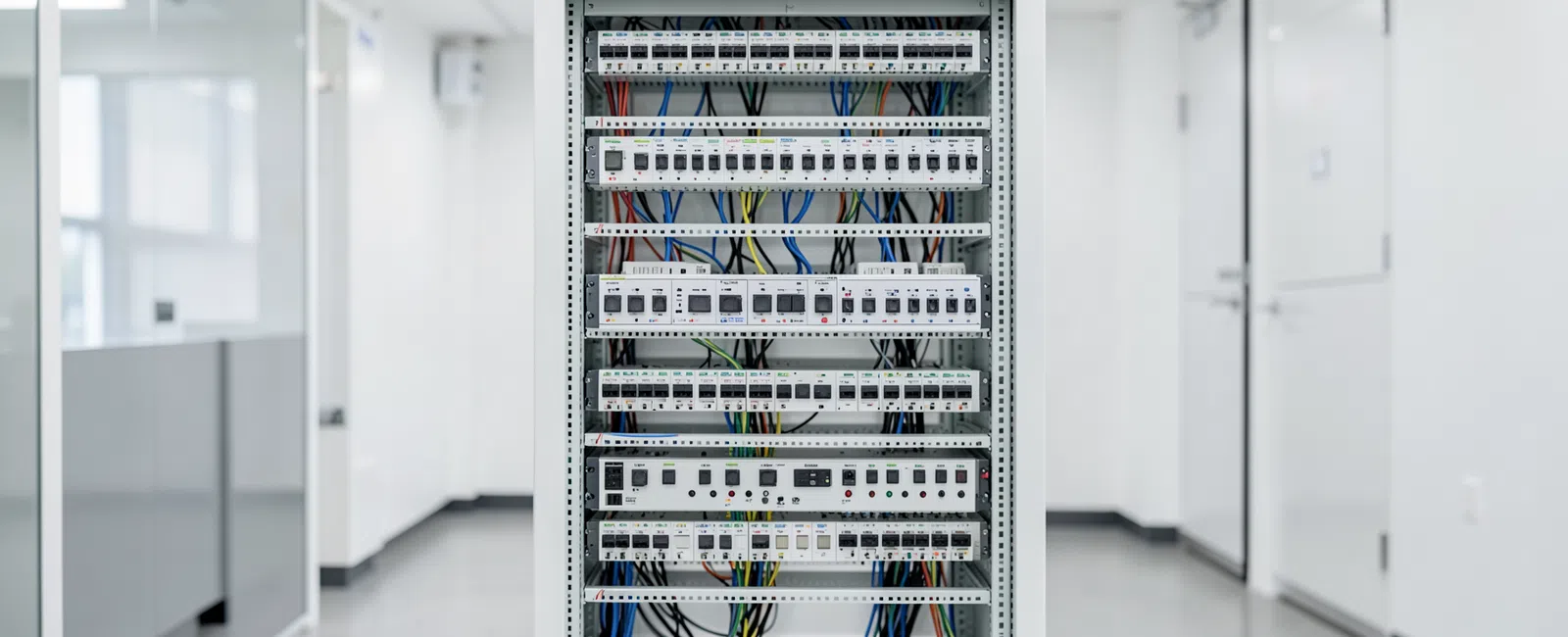
For a multi-tenant property, that register must distinguish landlord-owned systems from tenant-owned systems. It should also identify the MDF, IDFs, riser pathways, demarcation points, shared Wi-Fi, leasing-office technology, common-area devices, and any systems connected to the building management environment.
Norcross properties near Technology Park, Peachtree Corners, and the broader I-85 business corridor often support a mix of older infrastructure and tenant improvements. A transition plan should document what is physically installed, who owns it, how it is supported, and what happens if it fails during the handoff.
Do not treat this as a helpdesk vendor swap. A provider change is an operational handoff involving business systems, physical infrastructure, tenant experience, and property risk.
Key planning figure: allow 30 to 90 days for a controlled IT-provider transition, depending on the number of locations, systems, tenants, and infrastructure dependencies.
The takeaway: disruption is avoided through a complete operational inventory, not a last-minute change of support phone number.
What should be completed before the current IT provider is offboarded?
The incoming provider should establish secure administrative access before the old provider loses access. This includes Microsoft 365 or other cloud administration, domain and DNS records, firewall administration, endpoint-management portals, backup platforms, line-of-business applications, VoIP systems, camera platforms, and vendor accounts.
Ownership matters as much as access. Business leaders should confirm that accounts, licensing, domain registrations, recovery contacts, multifactor authentication methods, and billing relationships are controlled by the business or property ownership group rather than by an individual technician or former provider.
Backups need a restoration test, not simply a dashboard review. The new provider should verify what is protected, how long recovery takes, where backup data resides, who can authorize a restore, and whether the recovery process works for the systems your team actually needs to operate.
For CRE teams, review camera retention, access-control event reporting, internet failover, and building-related network dependencies before transition day. A switch outage can affect more than office productivity; it can interfere with security footage, tenant connectivity, access reporting, and leasing operations.
GDS supports data backup and recovery planning and disaster recovery planning as part of the broader protection conversation. Those controls should be validated before any credentials are removed or equipment is reconfigured.
The takeaway: preserve ownership, validate recovery, and secure access before ending the incumbent relationship.
Which systems create the biggest risk during an IT-provider transition?
The highest-risk systems are usually the ones nobody thinks of as “IT” until they stop working. In a commercial property, that can include cameras, access control, intercoms, network switches, carrier equipment, Wi-Fi, VoIP, shared printers, conference-room systems, and low-voltage connections supporting amenity spaces.
Network switching deserves special attention because a failed or misconfigured switch can disconnect tenant applications, security devices, access-control reporting, and building operations simultaneously. Lifecycle records, spare-equipment planning, configuration backups, and clear maintenance windows reduce this risk.
For a deeper explanation of operational switch risk, read Built, Wired & Secured’s guide to why switches fail in commercial networks. It explains why network reliability has consequences far beyond the server room.
Carrier coordination is another frequent point of failure. The transition team should verify circuit account numbers, service addresses, demarc locations, escalation contacts, static IP details, contract terms, and any planned moves or tenant turn-ups. Do not discover an ownership problem during an outage.
As Harold, a media-industry client, said: “Cain responds quickly, knows his stuff, and solves problems fast. He never makes me feel behind on technology.” Fast, respectful support matters most when a business is already navigating change.
The takeaway: identify systems that affect safety, tenant operations, and revenue before touching the network.
What does a low-disruption transition timeline look like?
A reliable timeline separates discovery, access transfer, remediation, and steady-state support. It avoids unnecessary “big bang” changes, especially in occupied buildings where a single maintenance window may affect multiple tenants, security personnel, leasing staff, or common-area services.
Discovery and documentation: Inventory assets, vendors, subscriptions, network diagrams, security controls, riser records, carrier circuits, and support contacts. Flag undocumented equipment and unsupported systems early.
Access and security transfer: Establish business-controlled administrative access, update recovery contacts, review multifactor authentication, preserve logs, and remove unnecessary shared credentials without locking out authorized users.
Stabilization: Monitor endpoints, backups, cybersecurity controls, tickets, internet performance, and key business applications. Resolve inherited issues before scheduling optional technology upgrades.
Optimization: Prioritize lifecycle replacements, cabling corrections, Wi-Fi improvements, cloud cleanup, policy improvements, and tenant-facing technology enhancements based on operational risk and business value.
Schedule service-affecting work around leasing activity, tenant moves, after-hours operations, and building events. A documented change plan should name the responsible technician, the business contact, the rollback step, and the communication path if the work does not go as expected.
For Norcross organizations seeking local context, GDS’s Norcross IT support team works with businesses across the local market and the I-85 corridor. Property teams can also explore GDS’s commercial real estate technology services for support that connects IT operations with building infrastructure.
The takeaway: phase the transition so the business remains supported while technology is brought under control.
How can a new Technology Partner improve the property after the handoff?
The first goal is stability, but the transition should also create a better long-term technology position. Once critical systems are documented and monitored, leadership can prioritize work that protects NOI, supports leasing, improves tenant experience, and reduces repeat operational friction.
Start with issues that create disproportionate risk: aging network switches, undocumented riser pathways, unmanaged Wi-Fi, weak identity controls, incomplete backups, inconsistent patching, insecure remote access, and unclear ownership of carrier or cloud accounts. Not every problem needs immediate replacement, but every material risk needs an owner and plan.
In a multi-tenant environment, governance is part of the value. Clear riser management, carrier coordination, documented demarcation points, consistent low-voltage standards, and visible support escalation paths help prevent one tenant project from creating avoidable trouble for the rest of the building.
GDS Technology provides managed IT, cybersecurity, cloud, backup, communications, and physical-infrastructure support for small and mid-sized businesses in the Atlanta area. Its role as a Technology Partner is to connect those decisions to business continuity rather than merely closing isolated tickets.
A comprehensive managed relationship is typically priced at $200 - $300 per user/month, with scope varying based on cybersecurity, compliance, infrastructure, locations, and business requirements. Commercial access control is typically $4500 - $5000 per device/month per door installed. These ranges should be evaluated against operating requirements, project scope, and ownership responsibilities rather than treated as interchangeable commodity pricing.
The takeaway: the best provider switch leaves the organization more secure, more documented, and easier to operate than it was before.
Frequently Asked Questions
How long does it take to switch IT providers in Norcross, GA?
Most controlled IT-provider transitions take 30 to 90 days. A small office with well-documented cloud systems may move faster, while a multi-tenant commercial property needs more time to verify carrier accounts, riser records, network equipment, cameras, access control, backups, and shared operational dependencies before the prior provider exits.
Can we switch IT providers without changing all of our technology?
Yes. A provider transition does not require replacing working equipment or changing every application. The incoming provider should first document, secure, monitor, and stabilize the existing environment. Replacement decisions can then be prioritized according to business risk, lifecycle condition, security exposure, tenant impact, and the value of the improvement.
What access should we retain when changing managed IT providers?
Your organization should retain business-controlled administrative access to domains, DNS, cloud tenants, email, backups, firewalls, endpoint platforms, VoIP systems, security tools, camera platforms, and vendor accounts. Recovery contacts, multifactor authentication methods, billing details, and escalation contacts should also be documented and controlled by authorized business leadership.
Why is a commercial real estate IT transition different from a typical office move?
Commercial real estate transitions often involve shared infrastructure and systems that affect tenants, security, leasing, and building operations. The project may include risers, carrier circuits, MDF and IDF rooms, access control, cameras, low-voltage cabling, common-area Wi-Fi, and tenant improvement coordination, creating dependencies beyond a typical single-office environment.


