
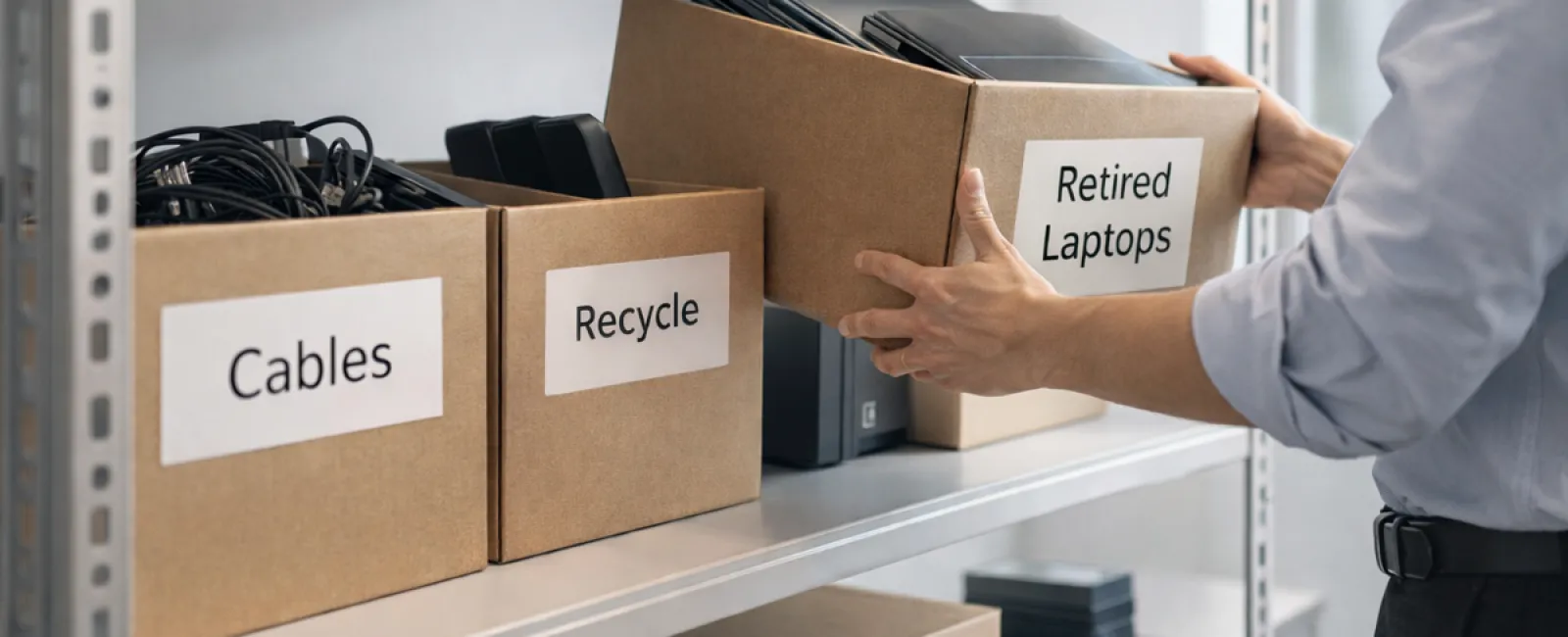
Business spring cleaning often begins with closets, yet the true mess usually lurks beyond a shelf or two.
Sure, clutter may be on a server rack, but it also hides in storage rooms, back offices, or piles marked "we'll get to this later."
Outdated laptops, obsolete printers, backup drives from years past, and boxes of cables kept "just in case."
Every business collects this over time.
The real question isn't whether you have it—it's whether you've crafted a plan for managing it.
The True Technology Lifecycle Extends Beyond Purchase
New tech comes with a rationale: faster performance, enhanced security, greater capabilities, or supporting growth.
While most businesses carefully plan technology acquisitions, few strategize how they will retire it.
Often, retiring equipment is a quiet process—a replaced device gets set aside until space must be cleared.
This is common, yet what's rare is approaching tech retirement with deliberate attention like the initial purchase.
Old devices still hold value, contain recyclable parts, and store sensitive data. They can weigh down operations if just stored away.
Each spring is the perfect moment to evaluate what technology adds value and what simply consumes space.
Effective Steps to Streamline Your Tech Cleanup
To transform this from a vague notion into action, follow our four essential steps.
Step 1: Assess Your Inventory
Identify precisely what you plan to retire: laptops, phones, printers, network hardware, external drives? Managing begins with recognition, and a quick review usually uncovers surprises.
Step 2: Define the Equipment's Fate
Devices generally fall into three paths: reuse (internally or via donation), recycle (through certified e-waste programs), or destruction (for sensitive data). Making intentional decisions keeps hardware from languishing in storage limbo.
Step 3: Proper Device Preparation
A bit of care here makes all the difference.
For reuse or donation, deregister devices from management systems, revoke user access, and perform certified data wiping (beyond simple factory resets). Deleting files or quick formatting only hides data; it doesn't erase it.
Research by security firm Blancco revealed 42% of used drives on eBay still contained sensitive info despite claims of wiping. Certified erasure tools fully overwrite data and provide verification reports.
For recycling, partner with certified e-waste vendors—never toss electronics in the trash or curb. Note, e.g., Best Buy recycling serves households only, not businesses.
Commercial recycling requires certified IT asset disposition (ITAD) providers or business-focused e-recyclers with e-Stewards or R2 certification, directories available at e-stewards.org and sustainableelectronics.org. Your IT partner often can help coordinate.
Destruction involves certified wiping or physical methods like shredding or degaussing, with documented proof detailing serial numbers, procedures, dates, and handlers.
This ensures security isn't just paranoia but a responsible closure.
Step 4: Record and Proceed
After equipment departs your premises, maintain records of disposition methods and access removal to clear any future concerns.
Overlooked Devices You Shouldn't Forget
Laptops usually get attention; other gear often slips under the radar.
Phones and tablets may retain emails, contacts, or authentication apps. Factory resets remove most data, but certified mobile wiping offers deeper cleaning. Major brands offer trade-in credits, even for older devices.
Printers and copiers often store confidential files on internal drives. When returning leased machines, request written confirmation that hard drives will be wiped or removed before redeployment.
Batteries are hazardous waste under EPA rules. Many states prohibit tossing rechargeable batteries into regular trash. Remove batteries whenever possible, tape terminals to avoid short circuits, and deliver to certified drop-off points. Visit Call2Recycle.org for locations; many retail chains accept them.
External drives and old servers often linger in closets longer than intended but deserve the same intentional retirement process.
Recycling Right Matters
Earth Day in April reminds us to recycle responsibly.
Global e-waste exceeds 62 million metric tons annually, yet fewer than a quarter is properly recycled. Batteries, monitors, and circuit boards require special recycling channels. Certified e-waste recycling programs protect the environment and your business.
Proper tech retirement promotes operational clarity, environmental responsibility, and strategic advantage. You don't have to sacrifice security to be green—you can achieve both.
Handling tech properly also earns subtle goodwill on social media. Customers appreciate businesses that act responsibly without fanfare.
Unlocking Greater Potential
Spring cleaning isn't merely about disposal; it's about creating room to grow.
Removing outdated gear is just one part. Take this opportunity to question whether your technology fully supports your business goals.
Hardware cycles on; today, software, systems, automation, and processes are the real drivers of efficiency and profit.
Properly retiring old equipment is good practice; aligning your technology strategy with your objectives propels progress.
How We Support You
If you already have a process for retiring equipment, that's ideal—efficient and routine.
While handling hardware replacement, it's a great time to examine your overall systems. Are your tools integrated? Is your technology fueling growth or just maintaining status quo?
If you want to discuss how your tech stack, processes, and systems can better boost productivity and profitability, we are ready to assist.
No equipment lists. No pressure. Just straightforward advice on optimizing technology for your business.
Click here or give us a call at 404-719-5222 to schedule your free 15-Minute Discovery Call.
If this inspired you, please share it with fellow business owners.
Remember, spring cleaning extends beyond closets to include the essential systems driving your business.


