
Co-Working
Yes. A Norcross-area IT partner can coordinate onsite work, building access, internet providers, cabling teams, and security vendors with less handoff friction. For coworking operators along the I-85 corridor, even one unresolved conference-room, Wi-Fi, or access-control issue can affect dozens of members, prospects, and daily bookings.
Why does local onsite response matter for a Norcross coworking space?
Remote support resolves many issues efficiently, but it cannot physically inspect an MDF or IDF, trace a damaged cable, reset a stuck access-control panel, or meet an ISP technician at a building. When the problem involves physical infrastructure, distance can turn a short outage into a prolonged tenant-facing disruption.
A local Technology Partner understands that a coworking space is not simply an office with Wi-Fi. It is a multi-tenant environment where shared connectivity, meeting rooms, printing, cameras, badge access, and member onboarding must work together throughout the day.
In Norcross and the broader Gwinnett County business market, coworking locations may serve professional services firms, satellite teams, logistics-related businesses, and regulated tenants. A disruption that affects a private office, hot desk area, or conference room can quickly become a retention issue rather than an ordinary helpdesk ticket.
Local presence also improves the quality of diagnosis. A technician can confirm whether an outage is caused by an ISP circuit, a switch, a wireless access point, low-voltage cabling, a power issue, or a building-access constraint instead of relying only on remote symptoms.
For a shared workspace, one onsite issue can affect every member using the same network, meeting room, or entry point.
The practical advantage is faster movement from uncertainty to ownership: someone can be present, assess the environment, document the issue, and coordinate the next responsible party. Takeaway: onsite capability protects the tenant experience when a remote fix is not enough.
How can a Norcross IT partner improve vendor coordination?
Vendor coordination is often where operational delays accumulate. A coworking operator may need to work with an internet provider, property manager, building engineer, structured-cabling contractor, access-control vendor, camera provider, copier vendor, and conference-room AV provider. Each party may see only its own portion of the problem.
A local IT partner can act as the technical point of coordination: gathering symptoms, testing the environment before a vendor arrives, providing demarcation or switch-port details, arranging building access, and validating the repair before the work order is closed. That reduces the familiar cycle of vendors blaming one another.
This matters especially in commercial office corridors where riser access, suite entry, telecom closets, loading procedures, and after-hours work can require coordination with building management. A partner experienced in commercial real estate technology can help distinguish between a tenant-network issue and a building-side dependency.
GDS Technology’s commercial real estate work is relevant here because coworking operators frequently manage both IT service expectations and physical-building dependencies. For a closer look at why maintenance coordination requires clear ownership, dependencies, communications, and recovery validation, listen to the Maintenance Windows That Keep Buildings Ready podcast episode.
Good coordination also means keeping a record of what was tested, who owns the next action, what access was granted, and how success will be verified. That documentation helps prevent the same dispute from restarting with the next technician or after a staffing change.
A real-world example of this ownership mindset comes from Ashlee, a commercial real estate client: “GDS Technology answers every question we throw at them and actually follows through to solve it. You get real answers, not deflection - and the problem gets fixed, not just talked about.”
Takeaway: local vendor coordination reduces handoffs, clarifies responsibility, and helps repairs reach a verified finish.
What local infrastructure issues can affect coworking uptime?
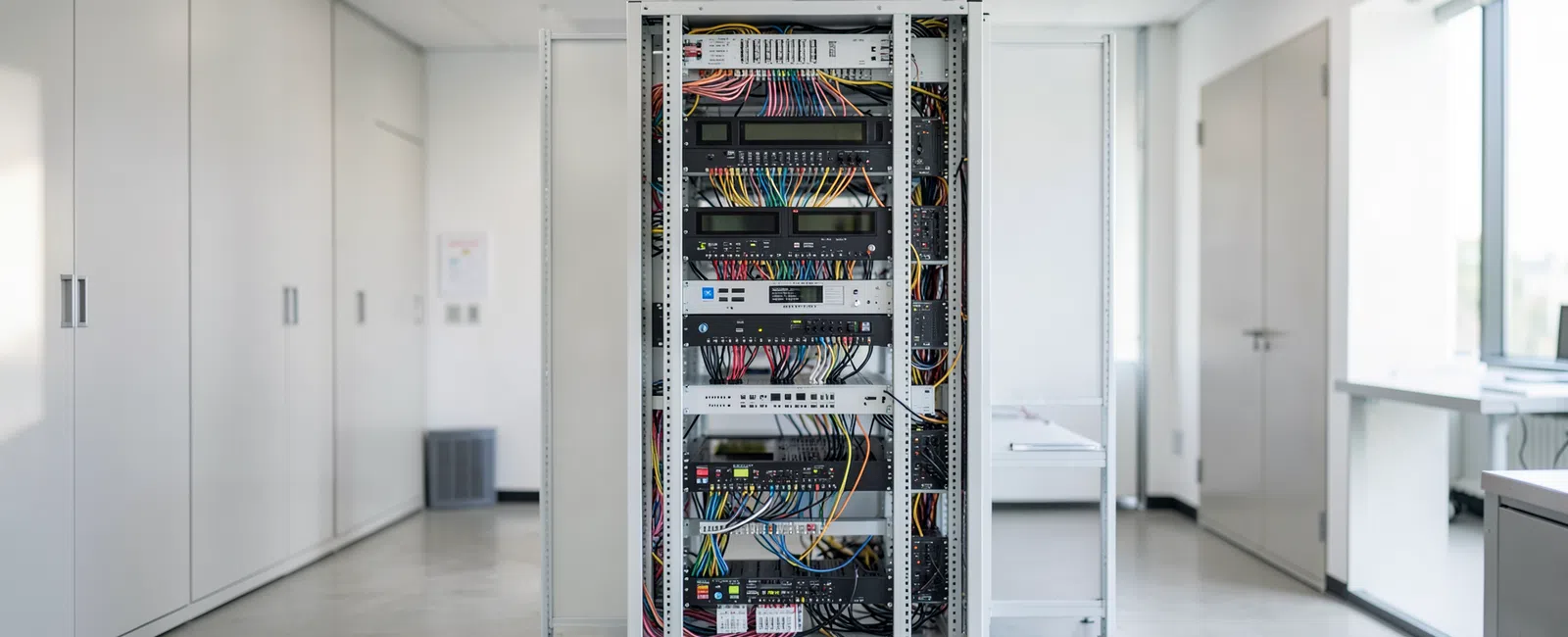
Many high-impact coworking issues happen below the software layer. A failed switch uplink, loose fiber connection, overloaded circuit, damaged patch cable, improperly labeled rack, or inaccessible telecom closet can interrupt services that members experience as “the internet is down.” Local troubleshooting connects that complaint to the actual physical cause.
Structured cabling and low-voltage work are also central during suite changes, tenant improvements, and workspace expansions. New private offices, phone booths, training rooms, cameras, badge readers, and wireless access points all require planning for cable paths, power, rack capacity, labeling, and future serviceability.
Riser management deserves special attention in multi-tenant buildings. The path between a provider’s service entrance and a workspace may involve building-controlled pathways, shared closets, vertical cabling, and access procedures. A local partner can coordinate the technical details with the parties who control those spaces.
Internet resiliency is another practical concern. Coworking operators should understand whether they have one connection or multiple independent paths, where failover occurs, how voice systems respond during an outage, and whether bandwidth shaping protects video calls and critical applications from heavy guest traffic.
A clear network design separates administrative systems, staff devices, member networks, guest access, cameras, access control, and building technology as appropriate. VLANs, distinct SSIDs, captive portals, and bandwidth policies are useful only when they are documented, monitored, and tested against the way members actually use the space.
GDS Technology provides structured cabling and low-voltage services, which can help align physical connectivity work with the network and security environment it supports. Takeaway: dependable tenant uptime starts with infrastructure that is accessible, organized, and owned.
How does a local Technology Partner help protect members and regulated tenants?
Coworking spaces often host businesses with different risk profiles. A medical practice, law firm, CPA firm, financial-services team, or other privacy-sensitive tenant may expect strong safeguards even when the workspace itself is not the regulated entity. The operator’s shared environment still affects trust and perceived professionalism.
Local support can help translate those expectations into practical controls: separate networks, tightly managed administrator access, secure Wi-Fi configuration, endpoint protection, monitored alerts, backup planning, camera placement, badge-access procedures, and documented incident-response contacts. The objective is not to promise compliance by association; it is to reduce avoidable exposure in shared operations.
Physical and digital systems should not be managed in isolation. A failed badge reader, suspicious login, camera outage, or exposed building controller may require different responders, but the business needs one coordinated decision path. The company’s article on SIEM, SOC services, and incident response explains why alerts still require interpretation and a clear response decision.
Local familiarity can also make security procedures easier to operationalize. A partner who can walk the site can identify unprotected network closets, misplaced cameras, unlabeled equipment, unsecured guest ports, or access-control gaps that may be difficult to recognize through a remote session.
For ongoing support, GDS Technology offers cybersecurity services and emphasizes 24/7 cyber monitoring. The right scope should be based on the workspace’s actual member mix, technology stack, physical layout, and business requirements rather than a generic package.
Takeaway: local support helps turn shared-space security expectations into accountable operational practices.
How should a coworking operator compare local and remote IT support?
The strongest model is usually not local support versus remote support. It is a support relationship that combines efficient remote resolution with accountable onsite response when facilities, vendors, or physical systems are involved. The comparison below focuses on the operating differences a coworking buyer should evaluate.
| Support consideration | Norcross-area IT partner | Remote-only provider |
|---|---|---|
| Physical troubleshooting | Can inspect racks, cabling, wireless placement, access panels, and telecom closets onsite. | Depends on staff, a third-party dispatch, or vendor reports from the location. |
| Building and vendor coordination | Can meet providers, coordinate property access, and validate work before departure. | May coordinate by phone but has limited direct visibility into site conditions. |
| Tenant-impacting incidents | Can connect technical repair decisions to member experience and front-desk operations. | Can resolve many systems remotely but may require local escalation for facilities issues. |
| Buildouts and reconfiguration | Can align cabling, Wi-Fi, cameras, access control, and network design with the site plan. | Often needs separate local contractors and more handoffs to execute changes. |
| Documentation and continuity | Can maintain site-specific knowledge of equipment, access procedures, and building dependencies. | Documentation quality varies and may not capture changing physical conditions. |
Cost should be evaluated against operational risk, not simply ticket volume. GDS Technology lists fully managed IT at a typical market range of $200 - $300 per user/month for a comprehensive Technology Partner relationship; scope varies based on cybersecurity, compliance, infrastructure, locations, and business requirements.
Ask prospective providers who owns an ISP escalation, who can meet a vendor onsite, how building access is handled after hours, what documentation they maintain, and how they verify that a repair restored service for members. Avoid accepting vague assurances in place of a clear operating process.
Edward, a commercial real estate client, describes the result in simple terms: “GDS tech support gets on top of my problems right away. It is always a pleasure working with them.” Takeaway: the best support relationship pairs remote efficiency with local accountability when the site itself is part of the problem.
Frequently Asked Questions
Can a local IT partner still provide remote support for everyday issues?
Yes. A capable Norcross-area IT partner should resolve routine software, account, endpoint, and monitoring issues remotely whenever practical. Local value becomes most visible when a problem involves cabling, ISP service, building access, Wi-Fi coverage, cameras, badge readers, conference rooms, or an onsite vendor visit.
Why is vendor coordination important for a coworking space?
Coworking operators depend on several vendors whose systems overlap: internet providers, property management, cabling teams, access-control vendors, camera providers, AV teams, and print providers. Coordinated technical ownership prevents blame loops, reduces tenant disruption, documents next steps, and confirms that the repair actually restored the affected service.
What should a coworking operator ask about onsite response?
Ask who can visit the site, how onsite work is requested, how building and telecom-closet access is arranged, and who coordinates ISP or security vendors. Also ask how the provider documents network equipment, validates completed repairs, communicates member-facing impacts, and handles after-hours facilities dependencies.
Does local IT support help with coworking expansions or suite reconfiguration?
Yes. Local support can help plan and coordinate tenant improvements, new offices, conference rooms, wireless coverage, cabling, cameras, access control, and network capacity. That reduces the risk of opening a new area with poor connectivity, inadequate power, undocumented equipment, or difficult future maintenance.


